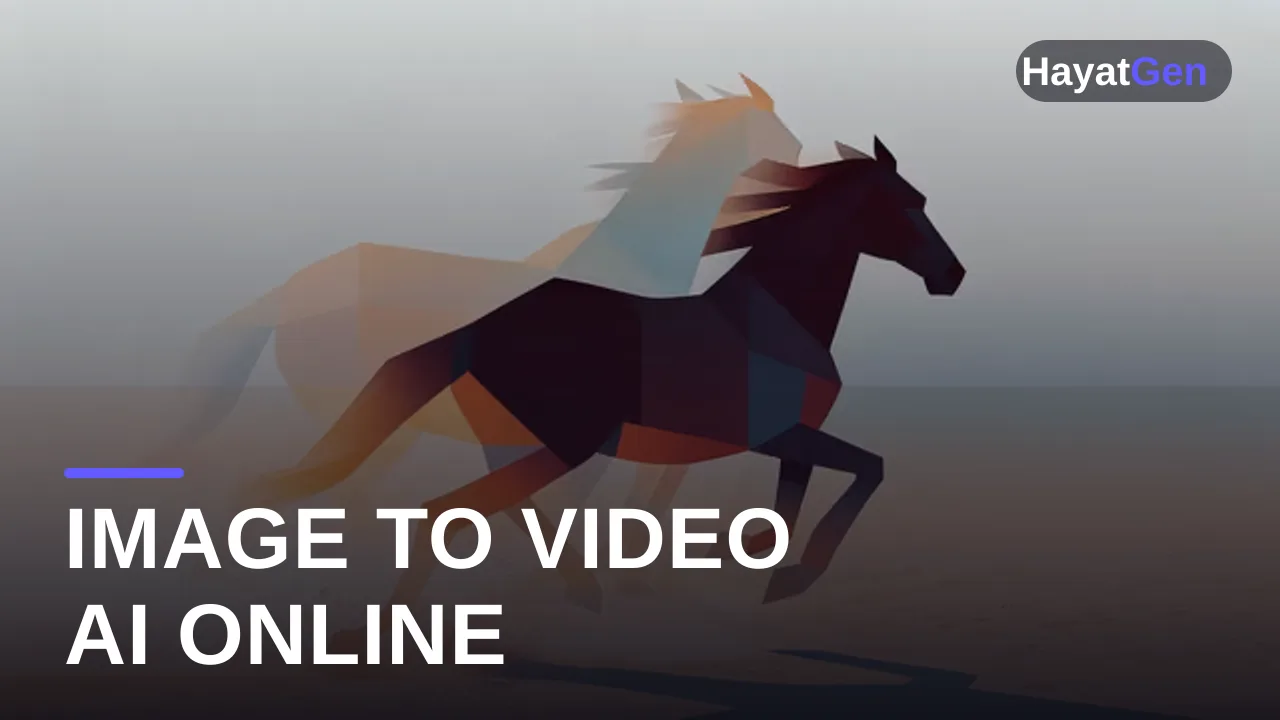
An image to video AI generator takes a still picture — a product photo, a portrait, a piece of AI art — and animates it into a real video clip with camera movement, physics, and life. In 2026 this is arguably the most useful mode of AI video for working creators, because it solves the control problem: instead of gambling on what a text prompt produces, you start from an exact frame you already approve of. This guide covers the best image-to-video models you can use online right now, what each one is good at, and the prompting habits that separate smooth cinematic motion from melted AI mush.
TL;DR
- Image-to-video gives you far more control than text-to-video — your uploaded frame locks the look, the prompt only has to describe motion.
- Seedance 2.0 (ByteDance) ranks #1 on the Artificial Analysis arena for image-to-video and accepts multiple reference images for character and product consistency.
- Kling 3.0 (Kuaishou) is the value workhorse, with first-and-last-frame control and the deepest motion-control toolkit.
- Luma Ray 2 is the aesthetic specialist for atmospheric, nature, and mood-driven animation.
- Veo 3.1 (Google) animates a still and generates matching audio in one pass.
- All of them run online from one balance on HayatGen — no subscriptions, no watermarks.
Why start from an image instead of text?
Text-to-video is a slot machine with good odds; image-to-video is closer to directing. When you upload a frame, the model inherits your composition, subject, color grade, and style — everything that's hardest to describe in words. The prompt then only needs to answer one question: what moves, and how?
That makes image-to-video the right mode whenever the look is non-negotiable: animating product shots for an online store, bringing AI art to life, turning a brand photo into an ad, or extending a scene you generated with FLUX or another image model. A common 2026 workflow is image-first by default: generate or pick the perfect still, then hand it to a video model.
Best image to video AI models in 2026
Seedance 2.0 — best consistency and benchmark leader
ByteDance's Seedance 2.0 currently tops the Artificial Analysis Video Arena for image-to-video. Its killer features are reference inputs — it accepts multiple reference images per generation, so a character or product stays consistent across clips — and detail preservation: logos, label text, and faces survive the animation instead of dissolving after a few frames. That combination has made it the default for e-commerce and product photo animation. The Seedance 2.0 Fast variant renders quicker for drafts.
Kling 3.0 — best control per dollar
Kuaishou's Kling 3.0 supports start-frame and end-frame conditioning — give it the first and last image and it interpolates the motion between them — plus the motion-control mode that lets you steer subject movement precisely. Physics on hair, water, and fabric is flagship-grade, and its per-second price is the lowest of the top tier, so it's the model you iterate animation ideas on. Our Kling 3 motion control tutorial walks through the workflow.
Luma Ray 2 — best aesthetic motion
Luma's Ray 2 is consistently the strongest pick for atmospheric animation: drifting fog, water, light rays, slow cinematic push-ins on landscapes and interiors. Color and composition come out tasteful with minimal prompting, which makes it ideal for mood-driven brand content and ambient visuals.
Veo 3.1 — best when you need sound
Google's Veo 3.1 animates a still and generates context-aware audio in the same pass — ambience, effects, even dialogue. If the destination is a sound-on platform and you don't want an audio editing step, Veo is the shortcut. Veo 3.1 Fast keeps the audio at a lower price.
Hailuo 02 — best expressive wildcard
MiniMax's Hailuo 02 produces lively, sometimes surprising motion from stills — great for stylized social content and animated character moments at 6 or 10 seconds. See how it stacks up against Kling in our Kling vs Hailuo comparison.
Comparison table
| Model | Maker | Standout feature | First/last frame | Native audio | Relative cost |
|---|---|---|---|---|---|
| Seedance 2.0 | ByteDance | Multi-reference consistency, detail preservation | Yes | Yes | $$ |
| Kling 3.0 | Kuaishou | Motion control, physics, price | Yes | Storyboard mode | $ |
| Luma Ray 2 | Luma | Aesthetic, atmospheric motion | Start frame | No | $ |
| Veo 3.1 | Audio generated with the video | Yes | Yes | $$$ | |
| Hailuo 02 | MiniMax | Expressive, creative motion | Start frame | No | $ |
How to animate a picture: a 5-step workflow
- Start from the strongest possible frame. Sharp subject, clean composition, room for motion (don't crop the subject to the edge it will move toward). You can generate the frame itself with a text-to-image model first.
- Prompt only the motion. The image already says what everything looks like. Write: "slow dolly-in, steam rising from the cup, hair moving in a light breeze." Don't re-describe the scene — conflicting descriptions cause warping.
- Match motion intensity to the model. Subtle ambient motion: Luma Ray 2. Big physical action: Kling 3.0. A person speaking: Seedance 2.0 or Veo 3.1.
- Use first/last frame for transformations. Product closed → product open, day → night, sketch → final: give Kling or Seedance both endpoints and let the model build the in-between.
- Draft cheap, finish strong. Test the motion idea on a budget model, then re-run the winning combination on your finalist — the same habit that wins in our text to video guide.
What it costs
Image-to-video is billed like text-to-video: per second of output, ranging from roughly $0.10/sec on value models to $0.75/sec at the premium end. Since you skip the "wasted generations finding the right look" phase, image-to-video usually costs less per usable clip than pure text-to-video. On HayatGen you pay from one pay-as-you-go balance across every model listed here, credits never expire, and you can start free to compare outputs before committing real budget.
FAQ
What is the best image to video AI generator in 2026?
Seedance 2.0 leads benchmarks and consistency, Kling 3.0 wins on control per dollar, Luma Ray 2 on pure aesthetics, and Veo 3.1 when you need audio. Most working creators use two or three of them per project, which is why a multi-model platform beats any single subscription.
Can I animate a real photo of a person?
Yes — portraits animate well, and Seedance 2.0's lip-sync can even make a subject speak. Only animate photos of real people with their consent, and check each platform's likeness policy before publishing commercial work.
How long are image-to-video clips?
Typically 5–10 seconds per generation, extendable by chaining: use the last frame of one clip as the first frame of the next, or use Veo 3.1's extension feature for up to 7 extra seconds per pass.
Why does my animated image warp or melt?
Usually one of three causes: the prompt re-describes the scene and contradicts the image, the requested motion is too extreme for the frame, or the source image is low-resolution. Fix the prompt first — describe motion only — and upscale the source if needed.
Do I need to install anything?
No. Every model here runs online in the browser; rendering happens on cloud GPUs. Upload the image, write the motion prompt, download the MP4.